TL;DR
- ERP systems unify financial management, client operations, billing, audit, and more into a single platform, reducing reliance on disjointed tools and spreadsheets.
- Firms should consider ERP when they handle multiple client books or entities, face consolidation challenges, or spend excessive time on manual data entry and reconciliation.
- Core benefits of ERP include real-time financial visibility, automated reporting, improved accuracy, stronger controls, and better compliance.
- ERP increases firm capabilities by supporting advisory services, cross-client insights, and unified dashboards that inform strategic decisions.
- Important features for accounting firms include multi-entity consolidation, audit trails, user permissions, project accounting integration, and real-time dashboards.
- Implementation risks such as change management barriers, data migration challenges, and hidden costs can be mitigated with phased rollouts and governance planning.
- This article also provides a comparison of top ERP and ERP-adjacent solutions, helping firms shortlist options based on size, features, and budget.
You’ve likely grown tired of juggling multiple accounting tools, spreadsheets, and systems just to run your firm. Maybe you manage separate client books, struggle with consolidating multiple ledgers, or spend hours on manual data entry. That’s where ERP for accounting firms can change the game.
Because an ERP system does more than just accounting software, it ties together financial management, client operations, audit, billing, and other parts of your firm under one roof. It gives real-time visibility into financial data, automates tasks from accounts receivable to accounts payable, and ensures your financial reporting becomes more reliable.
This guide is different. You won’t see vague promises here. You’ll get evidence, decision maps, practitioner tips, and a clear path forward. We’ll walk you through when your firm truly needs an ERP, the core benefits, the essential features, risks, vendor options, and how to pick the right one for your size. By the end, you’ll have a decision blueprint you can act on.
Do You Need ERP for Your Accounting Firm Right Now?
You might be wondering if it’s the right time to move beyond your current accounting system. The truth is, not every firm needs ERP today, but certain pain points make it clear when a shift is worth it. Let’s break it down.
When ERP Makes Sense for CPAs (vs staying with accounting software + add-ons)
Switching to an ERP system isn’t just a big purchase, it’s a big change. It only makes sense when your firm has outgrown what accounting software and add-ons can reliably support. Here are signals that ERP for accounting firms might be right for you:
- You’re handling multiple entities or client books, and consolidating them is messy, error-prone, or slow.
- Your finance and accounting processes need automation beyond what a plugin or add-on can handle (e.g. intercompany eliminations, complex revenue recognition).
- You need real time visibility across all clients or entities to support advisory services.
- Your team spends too much time on manual data entry, reconciling across systems, or correcting data mismatches.
- You want a single system that handles accounts payable, accounts receivable, general ledger, fixed assets management, cash management, and more, rather than stitching tools together.
In those cases, an ERP solution aligns with your goals by creating one “source of truth” for accounting data and financial transactions.
Key Diagnostic Criteria (size, clients, entities, billing complexity)
Here are criteria you can use to decide if your firm is ready for ERP:
| Diagnostic Metric | Why It Matters | Rough Threshold Where ERP Becomes Worthwhile |
| Number of clients / books | More clients means more books, more consolidations, more pain | If you’re managing 20+ separate client entities with frequent consolidation |
| Number of users / staff | More users increase demands on access control, workflows, audit trails | When 10–15 or more people need to touch finance & accounting functions concurrently |
| Complexity of billing & revenue models | If billing involves allocations, shared costs, complex client agreements | When you deal with retainer models, client funding pools, cost allocations |
| Volume of financial transactions | High volume leads to scaling challenges, latency, errors | If you process hundreds / thousands of transactions per day across entities |
| Growth or expansion plans | If you’re planning to expand geographies, services, or acquisitions | When acquiring new firms, entering new markets, or adding services |
If your firm checks multiple boxes above, moving to a full ERP system may make sense sooner rather than later.
Common Objections CPAs Raise & Evidence-Based Counterpoints
Whenever new technology is proposed, objections emerge. Here are a few you’ll hear in CPA firms, and how you might respond with data or logic:
We’re small, it’s overkill: Modern cloud-based ERP software is designed for flexibility. Many platforms support modular adoption, meaning firms don’t need to buy everything at once. By starting small, you still gain access to benefits like automatic updates, lower up-front capital costs, and secure access via internet connection.
It’s too risky, the change will fail: Change management is often underestimated, but the risks can be reduced. Strategies such as pilot programs, phased rollouts, clear governance, and early stakeholder buy-in help ensure smoother transitions.
The cost is too high: While ERP systems do require investment, the return is measurable. Organizations frequently report cost reductions and productivity gains after deployment. As complexity grows, patching together multiple systems can actually be more expensive, leading to wasted time, higher error rates, and lost insights compared to using one integrated platform.
We already have accounting software and add-ons: Add-ons may work in the short term, but they often create data silos or sync issues that require manual reconciliation. ERP systems eliminate this problem by automating reconciliations, bank matching, invoice processing, and reducing manual data entry overall.
Core Benefits of ERP for Accounting & CPA Firms
ERP systems give accounting firms more than just efficiency, they create accuracy, visibility, and control. By bringing all your financial aspects into one place, ERP helps you move from reacting to issues to making proactive, data-driven decisions.
How ERP Improves Financial Reporting Quality & Decision Support
When you rely on separate accounting tools, your financial reporting often ends up delayed or inconsistent. An ERP system centralizes financial data, which means every report is built on the same source of truth. No more reconciling spreadsheets at the last minute.
With ERP, you get:
- Real time insights into income statements, balance sheets, and cash flow statements
- Built-in reporting tools and dashboards that show a complete picture of financial performance
- Support for predictive analytics to forecast cash flow and guide financial planning
A recent study shows that 95% of companies improved their processes after ERP implementation, with better reporting being one of the top gains.
Enhancing Audit, Compliance & Internal Controls via ERP
Regulators expect accounting firms to maintain airtight controls. ERP accounting software helps by embedding compliance into daily work:
- Automated audit trails for every financial transaction
- Segregation of duties to cut fraud risk
- Tax management and compliance modules aligned with accounting standards and regulatory requirements
Because ERP reduces manual handoffs, it lowers error risk. That means your audits are smoother and your firm is better prepared for client or regulatory reviews.
Hidden / Underappreciated Benefits for Accounting Firms
Beyond the obvious advantages, ERP brings some often-overlooked value:
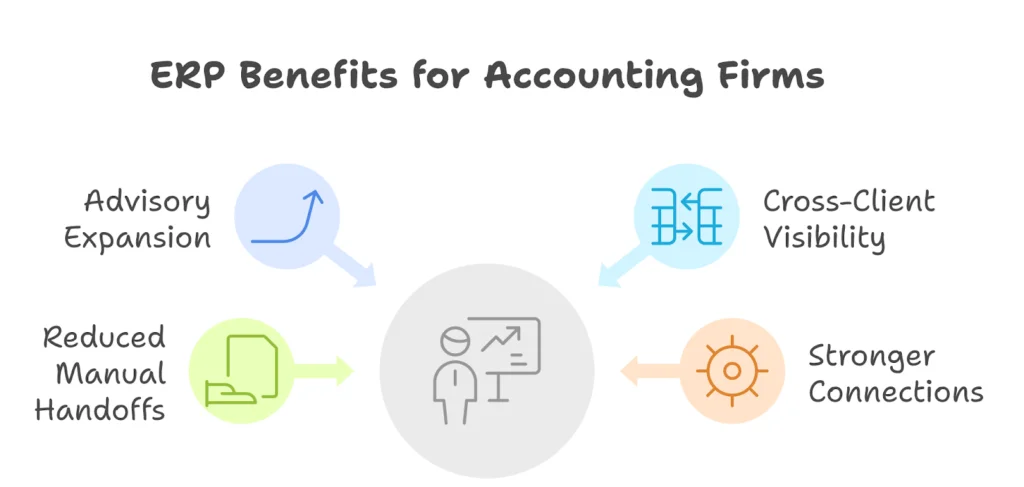
- Advisory expansion: Real-time data lets you advise clients on cash flow management, growth strategies, and compliance.
- Cross-client visibility: Consolidated reporting shows performance across multiple entities, industries, or regions.
- Reduced manual handoffs: Automated general ledger management, accounts receivable, accounts payable, and fixed asset management free your team to focus on more strategic accounting tasks.
- Stronger connections across the firm: ERP integrates with project management, professional services, and human capital management, giving finance teams better collaboration and more useful business insights.
Essential & Advanced ERP Features for Accounting Firms
ERP for accounting firms is more than a bookkeeping upgrade. The right platform can simplify consolidation, cut manual work, and strengthen compliance while giving your team real time visibility into financial performance.
Must-Have Features That Accounting Firms Should Demand
Managing multiple entities is one of the biggest pain points for firms. ERP systems address this by automatically consolidating books, handling intercompany transactions, and cutting out manual reconciliations.
They also bring structure to project work. Instead of tracking time and expenses in spreadsheets, ERP ties project costs directly to financial reports and automates revenue recognition.
On the compliance side, ERP creates a built-in layer of protection.
- Every transaction leaves an audit trail
- User permissions enforce segregation of duties
- Tax and compliance modules align with accounting standards
Reporting is another area where ERP makes a big difference. Instead of static reports that arrive late, you get:
- Real time dashboards with financial data
- The ability to analyze results by client, department, or region
And finally, integration is critical. A strong ERP system connects with tools like tax management software, CRM platforms, and third-party apps for billing or forecasting. This ensures you don’t replace one silo with another.
Emerging / Upside Features to Watch
Some capabilities are still evolving but worth watching:
- AI-assisted close that flags errors and unusual activity
- Predictive analytics for cash flow forecasting
- Anomaly detection to catch fraud or compliance gaps early
- Advanced process automation that reduces repetitive tasks
These features may not all be standard today, but firms that adopt them early often see faster closes, stronger compliance, and better insights for advisory work.
Risks, Challenges & Mitigation Strategies for CPA Firms
Implementing an ERP system can be a turning point for your firm, but it also comes with risks. Knowing these challenges upfront, and how to respond, can save time, money, and frustration.
Human & Organizational Barriers in ERP Adoption
The toughest part isn’t the technology, it’s the people. Staff often resist new systems because they fear disruption or don’t understand the benefits. In fact, nearly 50% of ERP projects fail the first time due to resistance or poor change management.
- Fear of heavier workloads or job changes
- Weak leadership communication
- Limited or unclear training
Good leadership and continuous training are critical for easing this transition.
Data Migration, Integration & Change Management Risks
Switching from traditional accounting software to ERP isn’t a simple swap. Data migration and integration often bring hidden headaches:
- Legacy accounting data may not transfer cleanly
- Connecting ERP with payroll, CRM, or tax systems can create roadblocks
- Downtime during migration frustrates staff and clients
- Finance teams need new workflows, which takes time to adjust
A structured plan with test migrations can minimize these problems.
Overcustomization, Upgrade Risk & Hidden Costs
Customization is tempting but risky. Too many changes can make upgrades impossible, while underestimating costs can stretch budgets. Common traps include:
- Over-customizing the platform
- Paying for modules you won’t use
- Missing hidden expenses like extra licenses or add-ons
Keeping the system as close to “out-of-the-box” as possible reduces long-term risk.
Mitigation Playbook
A strong plan can turn these risks into manageable steps. Best practices include:
- Start with a small pilot before rolling out firmwide
- Set up a governance team to watch scope and costs
- Gather user feedback early and often
- Roll out in phases to minimize disruption
- Follow vendor best practices on data security and training
When approached this way, ERP adoption becomes far less daunting, and much more successful.
Top 15 ERP / ERP + PSA Solutions That Fit Accounting Firms
Choosing the right ERP can feel overwhelming with so many vendors on the market. To make it easier, we’ll break them down, highlighting strengths, pricing, and best-fit firm types. This way, you can compare options without information overload
Microsoft Dynamics 365 Finance + Project Operations
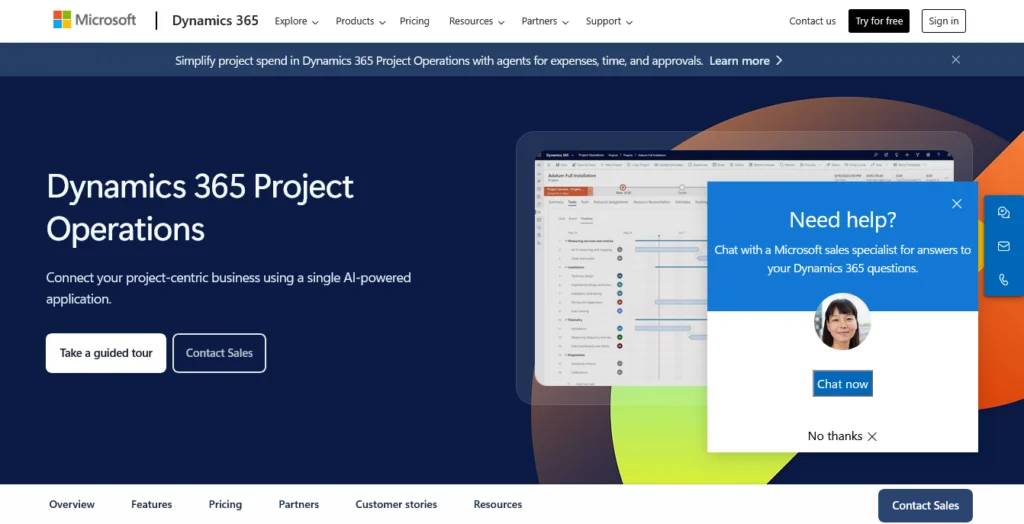
If your firm manages multiple entities, complex billing, or advisory projects, Dynamics 365 Finance combined with Project Operations is a strong fit. It covers everything from general ledger management and accounts receivable/payable to project management and advanced revenue recognition. Firms also benefit from real-time dashboards and embedded business intelligence with Power BI.
Pricing (as of Sept 2025):
- Finance: $210/user/month
- Finance Premium: $300/user/month
- Project Operations: $135/user/month
This option is best for mid-sized and large CPA firms with complex financial transactions, global clients, or those offering professional services that go beyond compliance. The main drawback is the complexity, setup requires governance to avoid over-customization.
Microsoft Dynamics 365 Business Central
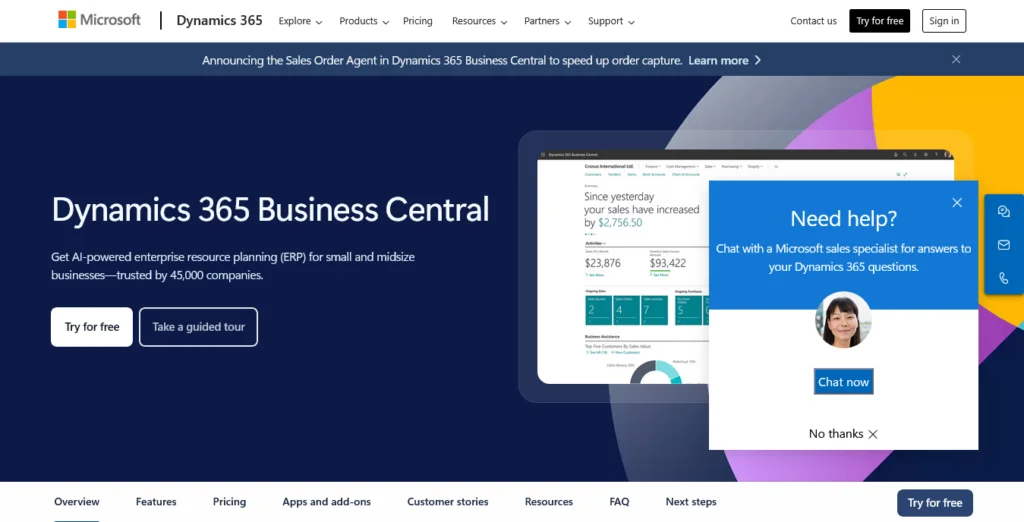
Business Central is Microsoft’s all-in-one cloud ERP designed for small to mid-sized firms. It helps you manage cash flow statements, customer invoices, order management, and even fixed asset management without juggling multiple systems. With its simple interface, you get real time data and smoother processes for your finance teams.
Pricing (as of Sept 2025):
- Essentials: $70/user/month
- Premium: $100/user/month
- Team Members: $8/user/month
This option is best if you’re a local or mid-sized firm that wants to move past basic accounting software into a more complete ERP solution, without the heavy IT lift of enterprise systems. The tradeoff is that it lacks some of the deep features larger firms may need, like advanced multi-country consolidation.
Oracle NetSuite
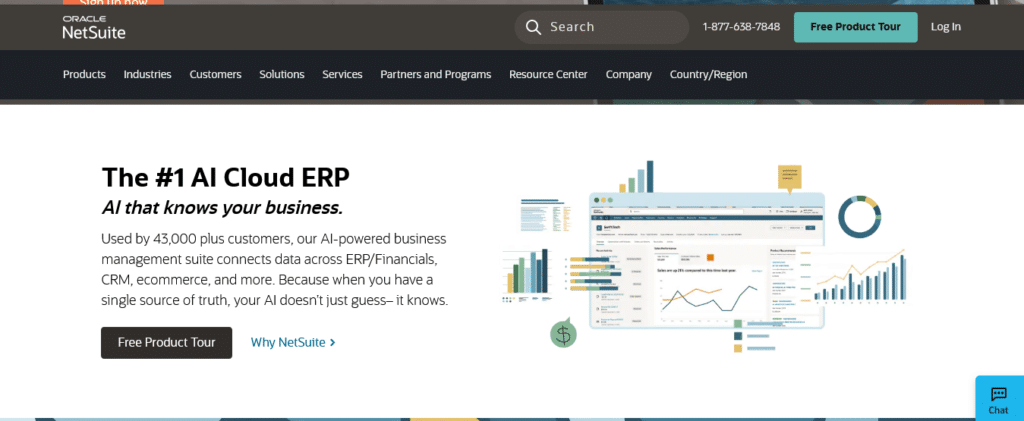
NetSuite is one of the most popular cloud ERP systems for accounting firms that want everything in one place, general ledger, accounts payable/receivable, fixed assets, cash flow management, and even CRM and inventory management. Many firms choose it because it scales well as you add more clients, entities, or service lines. It’s especially useful if you need strong multi-entity consolidation, audit trails, and real-time financial reporting.
Pricing (as of Sept 2025):
- NetSuite uses custom quotes based on firm size, number of users, and modules.
- Typical subscription costs range from $9,000/year for small firms to $35,000+/year for mid-market firms.
- First-year costs including implementation often land between $25,000 and $100,000+ depending on complexity.
NetSuite works well if your firm needs a full ERP solution that can unify finance and accounting processes with client management. The downside is that pricing isn’t transparent, and the system can feel complex to set up if you don’t scope it tightly.
Sage Intacct

Sage Intacct is a cloud-based ERP accounting software that focuses on financial management and financial reporting. It’s the only AICPA-preferred ERP, which makes it attractive for firms that want strong compliance features and audit trails built in. Firms often choose it for multi-entity consolidations, dimensional reporting, and automation of accounts receivable and accounts payable.
Pricing (as of Sept 2025):
- Sage Intacct also works on a quote-based model.
- Average subscription costs fall between $9,000 and $35,000 annually.
- Implementation fees typically range from $10,000 to $30,000 depending on modules and firm size.
- Costs rise if you add modules like inventory, revenue recognition, or project accounting.
Sage Intacct is best for mid-sized firms that need stronger reporting and automation than basic accounting software offers, but don’t need the complexity of a global enterprise system. The limitation is that pricing can scale quickly if you need add-ons like inventory, advanced project accounting, or industry-specific modules.
Workday (Financial / ERP + HCM)
Workday began as a leader in human capital management, but it also offers strong finance and accounting functions and ERP-style capabilities. If your firm is pushing into complex finance + HR integration, say, for a multi-office practice or where human capital management matters, Workday might be a contender.
Pricing (as of 2025, approximate):
- Workday doesn’t publish standard per-user pricing; costs are custom.
- A median deal size among buyers was about $48,660/year for a portion of Workday modules.
- Modules, integrations, and scale can push costs into the $100,000s depending on your firm’s complexity.
Workday works best when you want integrated finance + HR, automated workflows, and deep analytics across your firm. The downside: you’ll need heavy consultation and a large budget, especially if you bring it in for full ERP + HCM.
FinancialForce (now Certinia)
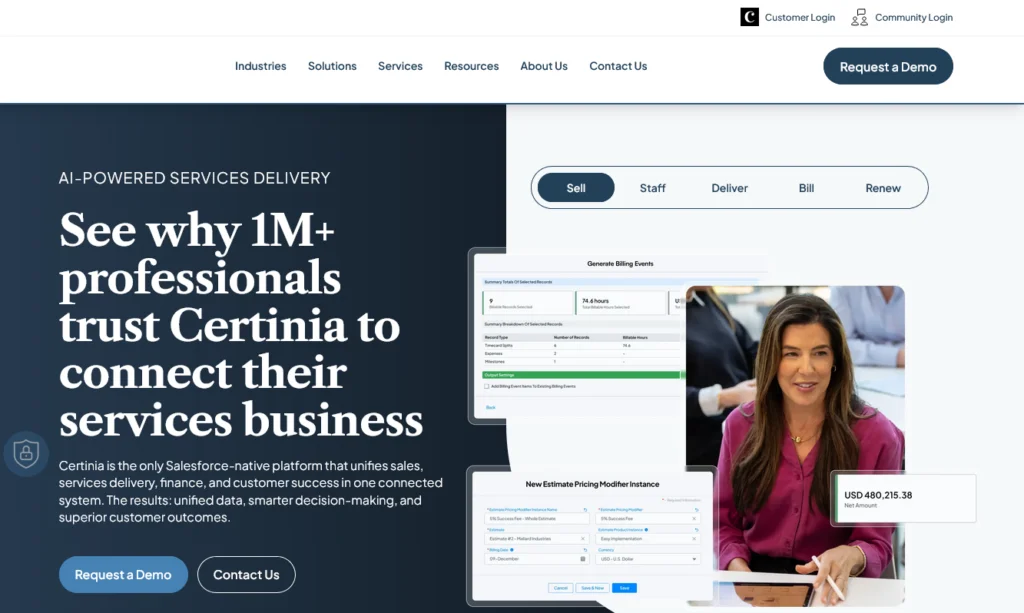
FinancialForce (rebranded now as Certinia) is built on the Salesforce platform, which gives it a unique edge for firms that already use Salesforce or want tight CRM + financial integration. It offers accounting, billing, project management, professional services automation (PSA), revenue recognition, and more.
Pricing (as of 2025, approximate):
- Core user license: ~$175/user/month
- Executive/read-only access: ~$125/month
- Sales user / light access: ~$10/month
- Implementation and customization costs on top, depending on modules used
FinancialForce/Certinia is a good pick when your firm leans heavily into services projects, staffing, billing models, and already works with Salesforce. The catch: it’s more expensive per user and can get complex when integrating non-Salesforce systems.
SAP S/4HANA
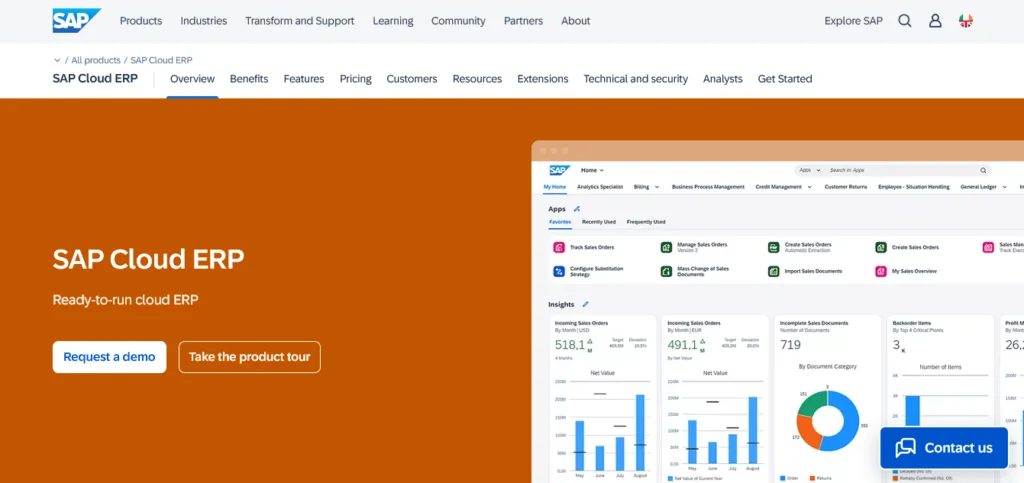
SAP S/4HANA is an enterprise-level ERP solution that supports advanced finance and accounting functions, consolidation, real time visibility, and integration across operations. It’s often chosen by large practices or firms preparing for global scale, complex compliance, and deep analytics.
Pricing (as of 2025, approximate):
- SAP offers cloud and on-premise deployment models, and pricing is mostly quote-based.
- Public resources suggest S/4HANA pricing may start around $3,595/month for a base configuration.
- For enterprise / fully equipped deployments, user pricing can reach $150/user/month for “Enterprise Management” modules.
- Significant additional costs exist in licensing, hardware/infrastructure (for on-prem), implementation, and ongoing support.
SAP fits best when your firm handles many entities, international clients, or needs deep integration across non-accounting functions (operations, SCM, procurement). The main tradeoff is cost and complexity; successful deployment requires strong governance, tight scope control, and readiness for change.
Deltek (ERP for Professional Services)
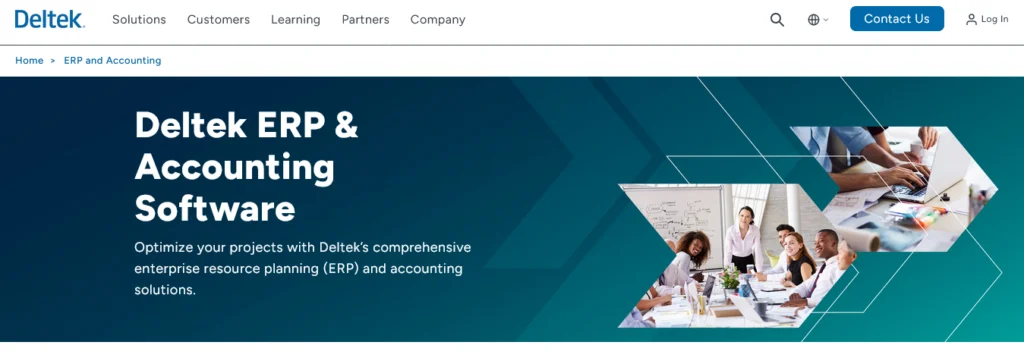
Deltek offers ERP solutions tailored for professional services, project accounting, and consulting firms. It emphasizes project financials, combining accounting with project management and resource planning.
Pricing (as of 2025, approximate):
- Base subscription rates for Deltek ERP begin around $50/user/month for basic functionality.
- For richer feature sets or larger firms, prices can go up to $200/user/month.
- Implementation, customization, and more advanced modules add significantly to cost.
Deltek works well for firms that run client projects as core work, where time, billing, expenses, utilization, and accounting must interact seamlessly. The downside: if your firm is more traditional (compliance, audit) with limited project services, the full Deltek suite may be overkill and harder to justify.
Unit4 ERP
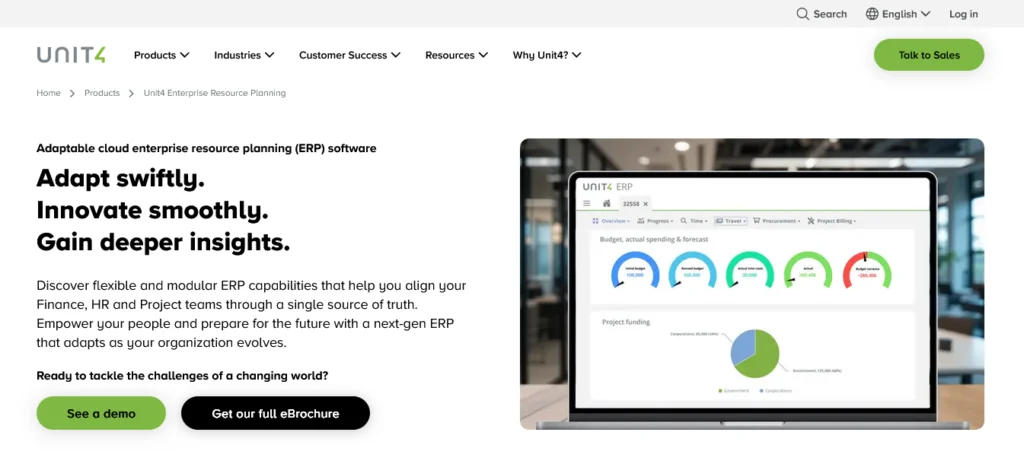
Unit4 focuses on service industries (including accounting, nonprofit, education) and often appeals to firms wanting flexibility, vertical features, and more human-centric design. Its cloud offering supports financial reporting, project accounting, multi-entity consolidation, and linked HR modules.
Pricing (as of 2025, approximate):
- Unit4 typically offers custom quotes based on modules, users, and deployment.
- In public sources, base cloud deployments for mid-sized organizations often start in the $60,000–$120,000/year range (including licensing & support).
- Per-user pricing can vary widely (e.g., $80–$200/user/month) depending on add-ons.
- Implementation and integration costs may be another 1–2× the licensing figure.
Unit4 works best when your firm needs a flexible ERP, vertical features (e.g. for nonprofits or education), or wants tighter integration with HR / people systems. The tradeoff is that Unit4 is less common in pure CPA firm use, so your team may find fewer peer reference cases or plug-ins.
Acumatica
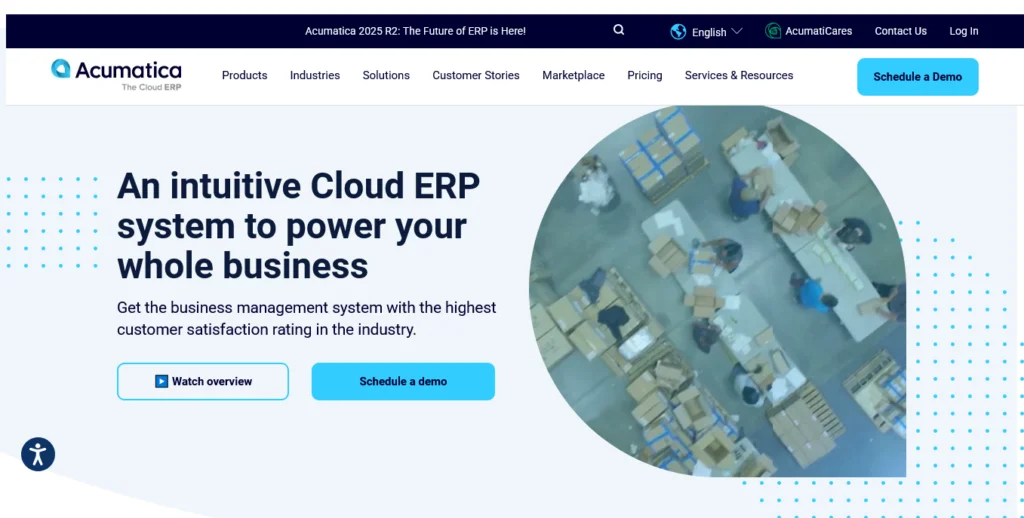
Acumatica is a modern cloud ERP that emphasizes usability, modular licensing, and extensibility. It covers financials, project accounting, cash flow management, inventory, and integrates with many third-party apps. It often appeals to firms that want flexibility without huge footprint.
Pricing (as of 2025, approximate):
- Acumatica uses a “price for edition + usage” model rather than per-user licensing.
- Many firms report entry costs of $2,000 to $4,000/month for mid-sized deployments.
- Full deployment costs (licensing + customization) often land in the $50,000–$150,000 first year, depending on complexity.
- Add-ons or extra usage (e.g. high volumes, extended modules) increase cost.
Acumatica works well if you want a flexible, scalable erp software that doesn’t lock you into a heavy per-user licensing model. The downside is that usage-based pricing can become unpredictable as your firm grows or usage spikes.
QuickBooks Online Advanced
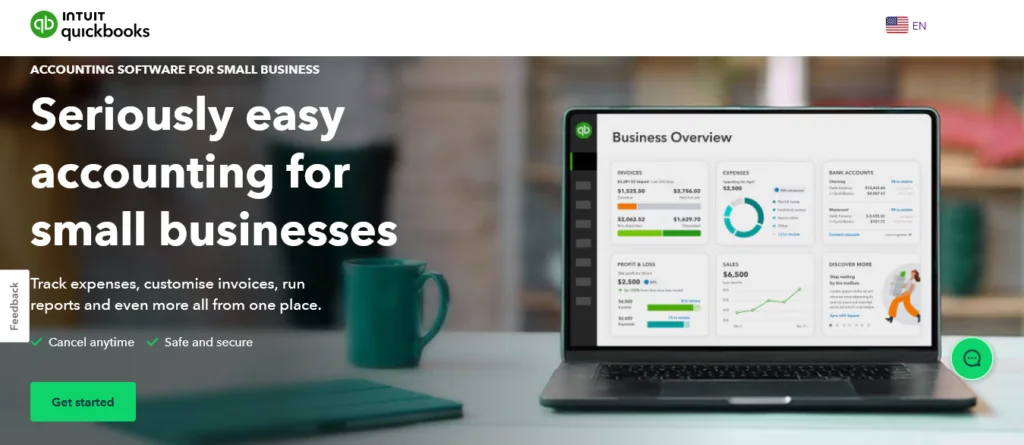
QuickBooks is one of the most widely known accounting software tools, and the Advanced plan adds features that make it a light ERP option for small firms. It handles general ledger, accounts receivable, accounts payable, bank reconciliation, and financial reports. It’s easy to set up and often the entry point for small CPA firms before moving to full ERP.
Pricing (as of 2025):
- QuickBooks Online Advanced: $200/month (base subscription)
- Add-ons for payroll, tax, and time tracking cost extra
- Discounts are often available for the first 3 months
QuickBooks is ideal if you’re just starting out or managing a smaller practice. The tradeoff is that it lacks multi-entity consolidation, advanced automation, and the depth of a true ERP system. As your firm grows, you may outgrow QuickBooks and need to migrate to a larger platform.
Sage X3
Sage X3 is positioned as an ERP for mid-sized to larger organizations, with strong support for financial management, inventory management, and fixed asset management. While more often used in distribution and manufacturing, it can serve accounting firms that also manage complex operational or multi-entity structures.
Pricing (as of 2025, approximate):
- Sage X3 is sold via partners, so pricing is quote-based
- Licensing often starts around $2,000–$5,000/month depending on modules
- Full implementation projects typically cost $50,000–$250,000+ based on firm size and scope
- Annual subscription and support fees vary by region and modules
Sage X3 is a fit if your accounting firm supports clients with industry-specific needs (like distribution or manufacturing) and you want strong cross-functional ERP. The drawback is that it can feel heavier than needed if you only need core accounting capabilities.
Oracle ERP Cloud
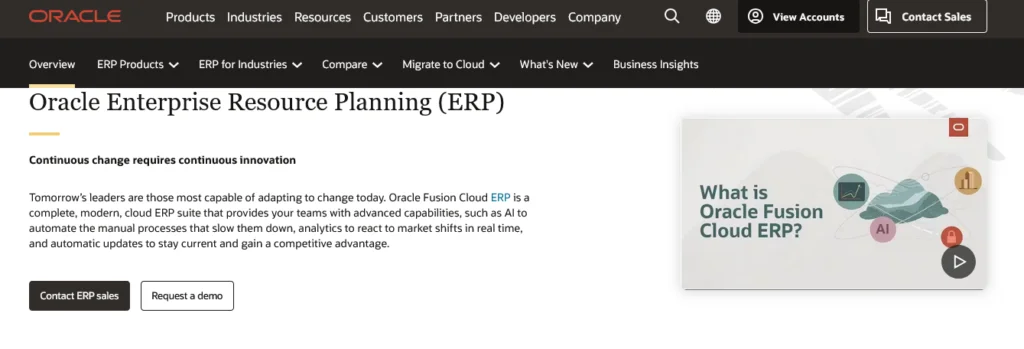
Oracle ERP Cloud is a high-end cloud ERP platform used by global organizations, including CPA firms that need strong financial management, fixed assets, cash flow management, and advanced reporting tools. It also comes with features like predictive analytics, expense tracking, and process automation, making it one of the most complete enterprise-grade systems.
Pricing (as of 2025, approximate):
- Oracle offers modular, quote-based pricing depending on firm size and modules.
- Public resources show typical costs ranging from $175–$250/user/month for financial modules.
- Total cost of ownership (including implementation) for larger firms often starts around $100,000/year and scales into the millions for enterprise deployments.
Oracle ERP Cloud is best for large, multi-entity firms that need real time insights and global compliance support. The main drawback is cost and complexity, smaller firms will likely find it overwhelming unless they have rapid growth plans.
Infor CloudSuite (Financials)
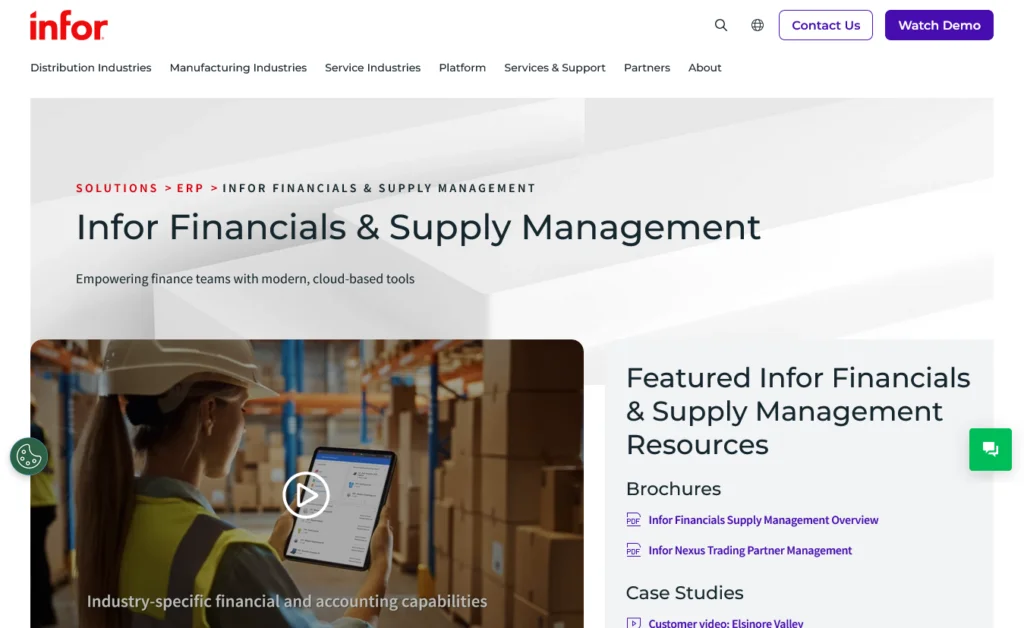
Infor CloudSuite is another cloud ERP designed for industries like professional services, manufacturing, and distribution, but it also offers robust finance and accounting processes. It includes general ledger management, accounts payable, accounts receivable, and cash flow management tools. Infor emphasizes usability and modern design, often seen as a flexible alternative to the larger ERP players.
Pricing (as of 2025, approximate):
- Infor doesn’t post public pricing; subscriptions are quote-based.
- Mid-sized deployments often start around $150/user/month.
- First-year costs including licensing and implementation can range $50,000–$250,000+ depending on firm size and complexity.
Infor CloudSuite works well for firms that want strong financial reporting and analytics without the heavier footprint of SAP or Oracle. The downside: it may require more partner support and consulting, since Infor’s ecosystem is smaller than SAP’s or Microsoft’s.
Epicor ERP (Kinetic)
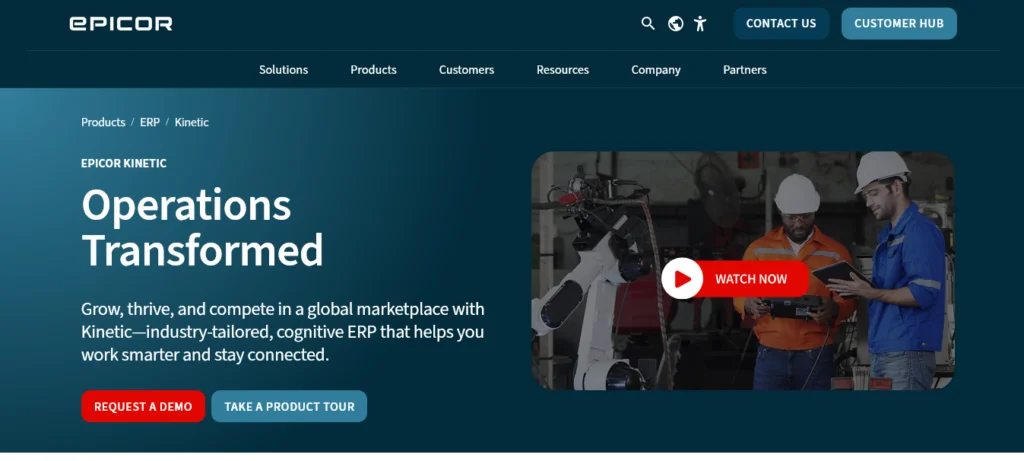
Epicor (now branded as Epicor Kinetic) is a flexible cloud ERP designed for mid-market firms. While it’s best known in manufacturing and distribution, it offers strong financial management, general ledger, accounts payable/receivable, and cash flow management functions. For accounting firms that service clients in industries Epicor specializes in, it can be a natural fit.
Pricing (as of 2025, approximate):
- Epicor pricing is quote-based, but averages around $175–$200/user/month for core financials.
- Annual subscription packages for mid-sized firms often start near $50,000/year.
- Implementation can add $25,000–$100,000+ depending on scope and integrations.
Epicor works best for firms that either (a) directly support manufacturing/distribution clients and want alignment, or (b) need a mid-market ERP with strong financial reports and process automation. The drawback: it may not be as CPA-firm-focused as Sage Intacct or Deltek, so its sweet spot is firms serving industry-heavy clients.
Side-by-Side Comparison Matrix & Filtering Tools
Choosing between ERP systems can feel overwhelming when every vendor promises efficiency, automation, and insights. A comparison matrix simplifies the process, letting you see at a glance which solution aligns with your firm’s size, needs, and budget.
ERP Comparison Table: Features, Firm Fit, Ecosystem & Pricing
The hardest part of evaluating ERP isn’t finding options, it’s comparing them quickly. A side-by-side matrix helps you see which system fits your firm’s size, service model, and budget.
Here’s a simplified comparison across some of the most common ERP platforms for accounting firms:
| ERP System | Best Fit | Strengths | Pricing (2025, est.) |
| Dynamics 365 Finance + Project Ops | Mid-to-large CPA firms | Multi-entity, advanced reporting, PSA combo | $210–$300/user + $135/user |
| Dynamics 365 Business Central | Small to mid-sized firms | All-in-one cloud ERP, easy to scale | $70–$100/user |
| Oracle NetSuite | Mid-sized to enterprise | Broad features, strong multi-entity control | $9k–$35k/yr base + setup |
| Sage Intacct | Mid-market CPA firms | AICPA-preferred, strong financial reporting | $9k–$35k/yr base + setup |
| Workday | Larger/global firms | Finance + HCM integration, analytics | ~$48k+/yr avg deal size |
| FinancialForce (Certinia) | Salesforce users, PSA firms | Tight CRM + finance link, PSA features | $175/user avg |
| SAP S/4HANA | Global firms | Deep compliance, enterprise scalability | $3.5k+/mo base, $150/user |
| Deltek | Project-focused firms | PSA strength, project accounting, billing | $50–$200/user |
| Unit4 | Nonprofits, education, some CPA | Flexible, people-centric ERP | $80–$200/user |
| Acumatica | Growth firms | Usage-based pricing, flexible modules | $2k–$4k/mo base |
| QuickBooks Online Advanced | Small/local firms | Simple, easy setup, accounting-first | $200/mo flat |
| Sage X3 | Mid-to-large firms | Finance + operations, industry fit | $2k–$5k/mo base |
| Oracle ERP Cloud | Large global firms | Advanced automation, predictive analytics | $175–$250/user |
| Infor CloudSuite | Mid-sized firms | Usability, modern design, flexible finance | $150/user avg |
| Epicor Kinetic (ERP) | Mid-sized firms | Solid finance, industry alignment | $175–$200/user/month |
How to Use This Matrix to Shortlist Quickly
- Filter by firm size.
If you’re under 20 staff, focus on Business Central, QuickBooks Advanced, or Sage Intacct.
- Check your service model.
If you do a lot of professional services and projects, Deltek or FinancialForce will likely be a better match.
- Look at pricing bands.
- Under $1,000/month: QuickBooks, Business Central Essentials
- $1k–$10k/month: Sage Intacct, Acumatica, NetSuite entry level
- Over $10k/month: Oracle ERP Cloud, SAP S/4HANA, Workday
- Think about integrations.
Firms already using Salesforce lean toward FinancialForce. Firms heavy in Microsoft 365 usually get more value from Dynamics.
Plan for growth.
Choose an ERP system that scales one step ahead of where you are, so you don’t outgrow it in two years.
Implementation Roadmap Tailored for Accounting Firms
Rolling out ERP in an accounting firm can feel overwhelming, but breaking it into clear phases makes the process manageable. A roadmap helps you minimize risk, keep your staff engaged, and align the system with your firm’s real needs.
Step-by-Step Rollout Plan (Discovery → Pilot → Rollout → Optimization)
Rolling out an ERP system is more than flipping a switch. To protect your firm’s financial data, reduce disruption, and keep staff engaged, follow a structured roadmap:
- Discovery & Needs Assessment
- Identify pain points in your current accounting processes (e.g., manual reconciliations, lack of real time visibility).
- Define requirements like multi-entity consolidation, audit trails, or cash flow management.
- Select 3–5 ERP vendors to demo, based on your diagnostic checklist.
- Pilot Program
- Run a pilot with one entity or department (such as accounts payable or project accounting).
- Test core features: general ledger management, reporting tools, bank reconciliation, and integrations with third-party apps.
- Collect user feedback on system usability and workflows.
- Rollout & Training
- Roll out modules in phases (e.g., start with financial reporting before fixed asset management).
- Train staff in small groups and use live examples from your client work.
- Set up governance teams to monitor scope, cost, and risk.
- Optimization & Continuous Improvement
- Use real time insights and business intelligence to improve decision making.
- Automate more accounting tasks (like invoice matching or expense tracking) as users gain confidence.
- Collect quarterly feedback to refine processes and plan future ERP implementations or upgrades.
Best Practices for Governance, Training, Feedback Loops
- Start small. Avoid trying to deploy every module at once.
- Governance matters. Assign clear roles for IT, finance leaders, and project sponsors.
- Invest in training. A strong onboarding plan reduces manual data entry errors and increases adoption.
- Set feedback cycles. Collect input regularly from your finance teams and accounting professionals to catch issues early.
Frequently Asked Questions
What is the best accounting ERP?
The best accounting ERP depends on your firm’s size and complexity. For small to mid-sized firms, Sage Intacct and Microsoft Dynamics 365 Business Central are strong choices. Larger firms often prefer Oracle NetSuite, SAP S/4HANA, or Oracle ERP Cloud for advanced reporting and multi-entity management.
What is an ERP system for accounting?
An ERP system for accounting is software that unifies core financial tasks, like general ledger management, accounts payable/receivable, and financial reporting, with other business processes. It centralizes financial data, reduces manual entry, and gives real-time visibility into a firm’s financial performance.
Can QuickBooks be used as an ERP?
QuickBooks is primarily accounting software, not a full ERP. The QuickBooks Online Advanced plan adds features like reporting, expense tracking, and cash flow management, but it lacks advanced ERP capabilities such as multi-entity consolidation, project accounting, and full compliance controls.
Does QuickBooks have an ERP system?
No, QuickBooks doesn’t offer a full ERP system. It’s designed for small businesses and firms needing core accounting functions. However, some firms treat QuickBooks Online Advanced as a lightweight ERP until they’re ready to move to platforms like NetSuite or Dynamics 365.
Conclusion & Next Steps
Moving your firm to an ERP system isn’t about adding more software on top of what you already use. It’s about creating smarter workflows, centralizing your financial data, and giving your team the tools they need to grow without drowning in manual work.
Here are 3 practical steps you can take right now:
- Shortlist 3 ERP vendors and schedule demos to see which aligns with your accounting processes.
- Run a small pilot, start with one function like accounts payable or financial reporting, to measure time saved and error reduction.
- Set up a feedback loop with your staff to spot adoption challenges early and improve training.
The firms that thrive in 2026 won’t just process numbers faster, they’ll use ERP to combine real time insights, better client service, and a scalable foundation for growth.
At Ventnor Web Agency, we help accounting firms sharpen both their internal systems and their client-facing digital presence. A strong website isn’t just a brochure, it’s part of your workflow, helping you attract the right clients, set expectations clearly, and support smoother engagement.