Accountants handle a mountain of files every single day, tax documents, client requests, signed documents, and sensitive information. If you’re still relying on paper documents or a messy mix of email threads and shared folders, you’re losing valuable time and putting client relationships at risk.
Here’s the reality: a modern document management system is no longer a “nice to have.” It’s an essential tool for every accounting practice that wants to streamline processes, improve client collaboration, and keep sensitive documents secure.
A 2024 report from Grand View Research estimates that the document management software market will grow to $18.17 billion by 2030, driven by businesses like accounting firms looking to reduce paper-based processes and move to secure, cloud-based solutions. This growth reflects what many accounting professionals already know: handling client files without a strong system is costly and risky.
This guide will break down:
- What document management software for accountants really is.
- The essential features you need in 2026.
- How it improves client interactions through portals, electronic signatures, and secure document sharing.
- The best document management software solutions available today.
Whether you’re a solo CPA or part of a large accounting firm, the right management software can help you collect client documents, reduce risk, and build a more collaborative client experience.
What Is Document Management Software for Accountants?
At its core, document management software (DMS) helps accounting firms store, organize, and secure client documents in one central location. Instead of juggling paper-based processes or digging through email threads, accountants can:
- Collect client documents through a secure client portal.
- Organize documents with folder templates and version control.
- Access documents anytime from desktop or mobile devices.
- Share files safely with team members and clients.
- Ensure compliance by tracking every edit with an audit trail.
Think of it as replacing the old file cabinet with an unlimited cloud storage hub that’s smarter, faster, and safer. With features like multi-factor authentication, data encryption, and version history, a good accounting document management software reduces the risk of lost information while ensuring you always have up to date information.
Quick Comparison: Paper vs. Document Management Software
| Feature | Paper-Based Processes | Document Management Software Solutions |
| Document Storage | Physical file cabinets | Unlimited cloud storage |
| Retrieval Time | Minutes to hours | Seconds with search |
| Security | Locks and keys | Data encryption, MFA, restrict access |
| Client Collaboration | In-person or mail | Secure client portal & e-signatures |
| Version Control | Manual updates | Automated version history |
| Risk of Loss | High (fire, misplacement) | Reduced risk with cloud backups |
For accounting professionals, this isn’t just about convenience; it’s about meeting client expectations. Clients want easy retrieval of their important documents and the ability to send documents or sign tax returns quickly through a secure client portal.
A well-built document management solution becomes a comprehensive suite that lets accounting firms store, manage, and share sensitive information while delivering a smoother, more collaborative client experience.
Why Accounting Firms Need Document Management Software in 2026
The way accountants handle information has changed. Clients expect fast answers, digital document sharing, and secure access to their tax documents without waiting days for email responses. A strong document management system makes this possible by combining security, efficiency, and client convenience.
1. Stronger Security for Sensitive Documents
Every accounting firm manages sensitive information, tax returns, customer data, payroll records, and important documents that can’t fall into the wrong hands. A document management software solution adds layers of protection like data encryption, multi-factor authentication, and audit trails to help firms ensure compliance with IRS, FTC, and GDPR regulations.
2. Cutting Costs on Paper-Based Processes
Storing paper documents takes space and money. Printers, filing cabinets, and storage rooms all add to overhead. Moving to digital document storage can dramatically lower costs.
- AIIM (Association for Intelligent Information Management) found that companies going paperless save an average of $80 per employee per year just in storage costs.
By replacing paper-based processes with a document management solution, accountants can spend less on storage and more on building client relationships.
3. Remote Access and Team Collaboration
Today’s accounting professionals often work from multiple locations. A cloud-based document management software allows every team member to access documents anytime, anywhere, even from mobile devices.
This means:
- No more delays waiting for someone at the office to send specific documents.
- Client files are always up to date.
- Shared documents can be viewed, edited, or signed in real time, improving client collaboration.
4. Faster Client Document Collection
One of the biggest headaches for accountants is chasing down client requests for receipts, tax forms, or signed documents. A modern secure client portal makes it easy for clients to send documents, upload files, and review signed documents all in one place.
Instead of back-and-forth emails, clients simply log in, respond to client requests, and upload what’s needed. For firms, this means fewer delays and a smoother collaborative client experience.
5. Boosting Efficiency with Automation
Manual data entry, filing, and paper-based workflows waste valuable time. A document management system can automate repetitive tasks like sending reminders, filing documents in folder templates, and tracking version history.
According to McKinsey, employees spend about 1.8 hours every day searching for information. That’s nearly 9 hours a week lost to managing files. With the right accounting document management, that time is cut dramatically, freeing accountants to focus on higher-value tasks like advising clients.
Essential Features of Document Management Software for Accountants
A strong document management software solution does more than store files. It secures sensitive documents, supports client collaboration, and helps firms stay compliant while saving time. Here are the core features every accounting firm should expect in 2026.
1. Data Security and Compliance
Security is non-negotiable for accountants. A reliable document management system uses data encryption, audit trails, and multi-factor authentication to protect tax documents and other sensitive information. These tools also help firms ensure compliance with IRS, FTC, and GDPR requirements.
2. Advanced Search and Easy Retrieval
Instead of wasting hours digging through paper documents, accountants can find specific documents in seconds. Search tools use keywords, file type filters, or client information to make easy retrieval possible. This keeps client requests moving quickly and reduces nonbillable time.
3. Version Control and Accountability
Mistakes happen when multiple people edit the same file. Version control solves this by keeping a version history of client files and tax returns. Firms can:
- See which team member made changes.
- Roll back to earlier versions when needed.
- Avoid sending outdated tax documents to clients.
4. Client Portal and Electronic Signatures
A secure client portal improves the way accountants collect and share files. Clients can log in from mobile devices to upload receipts, review tax documents, or provide signed documents. Built-in e-signature tools reduce turnaround times, while notifications remind clients when specific documents are due.
5. Automation and Workflow Integration
Automation eliminates repetitive work like manual data entry or filing. Firms can set up folder templates for client documents, automate reminders for client requests, and even connect the software with QuickBooks or other apps in the tech stack. This streamlines processes and keeps client information up to date.
6. Cloud Storage and Remote Access
The best systems offer unlimited cloud storage, so firms don’t have to worry about space or paper-based processes. Authorized staff can access documents anytime from laptops or mobile devices. This flexibility supports hybrid and remote teams while giving clients faster responses.
7. Collaboration and Secure File Sharing
Good accounting document management software makes it easy for team members and clients to share files without risk. Permissions can restrict access at the folder or file level, keeping control over sensitive information. More importantly, these features support a collaborative client experience, improving trust and efficiency in client relationships.
Related: Accounting Technologies: Complete Guide to Modern Tools
Key Features of Accounting Document Management Software
| Feature | Why It Matters | Example Benefit |
| Data Security | Protects sensitive documents | Stay compliant with IRS & GDPR |
| Advanced Search | Quick easy retrieval | Reduce wasted hours on client files |
| Version Control | Tracks changes, keeps version history | Avoid errors with tax documents |
| Client Portal | Securely receive client documents | Faster turnaround on client requests |
| Automation | Streamlines managing files | Cuts repetitive data entry tasks |
| Cloud Storage | Unlimited cloud storage | Access from anywhere, anytime |
| Collaboration | Supports document sharing | Stronger client relationships |
Benefits of Using Document Management Software in Accounting Firms
Switching from paper-based processes to a document management system delivers measurable benefits for accounting firms. These advantages go beyond storage , they improve compliance, speed, and client relationships.
1. Lower Costs
Paper-based processes drain budgets with printing, storage, and filing expenses. By adopting document management software, firms cut these costs significantly. AIIM found paperless companies save about $80 per employee per year in storage alone.
2. Faster Document Retrieval
Finding a tax return or client file shouldn’t take hours. With advanced search, accountants can retrieve specific documents in seconds, reducing wasted time. This matters since McKinsey reports employees lose nearly 9 hours a week searching for information.
3. Secure Storage of Sensitive Information
Accounting document management software adds strong protections for customer data, tax returns, and signed documents. Features like data encryption, multi-factor authentication, and detailed audit trails reduce risks and help firms ensure compliance with regulations.
4. Better Client Collaboration
A secure client portal makes it easy to collect client documents, receive signed forms, and share files in one place. This removes the back-and-forth of email and improves the collaborative client experience.
- Clients log in anytime to access documents
- Accountants respond faster to client requests
5. Efficiency Through Automation
Manual data entry and paper-based processes waste valuable hours. With automation, firms can:
- Apply folder templates automatically
- Send reminders for missing files
- Track version history without extra effort
- This lets accountants focus on higher-value advisory work instead of chasing documents.
6. Anywhere Access
Cloud-based document management solutions let team members access client files from laptops or mobile devices. Having up to date information available from anywhere supports remote work and faster client interactions.
Transitioning to Paperless Accounting: Why It Matters in 2026
Paper documents slow accounting firms down and cost money. Moving to document management software removes those bottlenecks.
- Better client service: A secure client portal lets clients send documents, sign tax returns, and access files anytime.
- Lower costs: IDC research shows businesses spend 5–15% of revenue on document handling. Going paperless reduces printing and storage expenses.
- Faster workflows: Search tools and folder templates allow easy retrieval of client files in seconds.
- Stronger security: Cloud-based document management solutions use data encryption, version control, and audit trails to protect sensitive information.
How Document Management Software Improves Client Collaboration
Imagine a client, Sarah, emailing tax documents back and forth with her accountant. Files get lost in threads, signatures are delayed, and she calls in frustration asking if her client files are “up to date.”
Now picture the same process with accounting document management software. Instead of scattered emails:
- Sarah logs into a secure client portal.
- She uploads her receipts, tax returns, and any specific documents requested by the firm.
- The accountant reviews the files instantly, requests clarifications inside the portal, and sends documents back for review.
- Sarah signs electronically , no printing, no scanning.
The difference is clear:
- Clients send documents directly into the system instead of clogging inboxes.
- Accountants can request documents, share files, and receive signed documents in one central hub.
- Notifications keep both sides updated, reducing back-and-forth calls.
- A full audit trail records every action, protecting both the firm and the client.
This shift creates a truly collaborative client experience. Clients feel in control with anytime access to their information, while accounting professionals save valuable time by managing files in one place.
Related: Project Management for Accountants, Digital Transformation in Accounting Firm
Compliance & Security: Meeting Accounting Regulations with DMS
Accounting firms handle tax returns, payroll data, and other sensitive information that must meet IRS, FTC, HIPAA, and GDPR rules. The Ponemon Institute reported in 2024 that the average U.S. data breach costs $9.5 million, and PwC found 59% of breaches result from poor document handling.
Accounting document management software reduces this risk by using encryption, multi-factor authentication, audit trails, and version history to protect client files. Access can be restricted to specific documents, keeping sensitive information secure. Vendors like SmartVault and Wolters Kluwer provide audit-ready tools that help firms demonstrate compliance while safeguarding client data.
Without secure document management solutions, firms face fines and lost trust. With the right system, every document , from uploaded tax documents to signed files , remains protected and compliant.
Best Document Management Software for Accountants in 2026 (Top Picks)
Here are seven of the best document management software solutions for accountants, with pricing, benefits, and the unique features that set them apart.
1. SmartVault
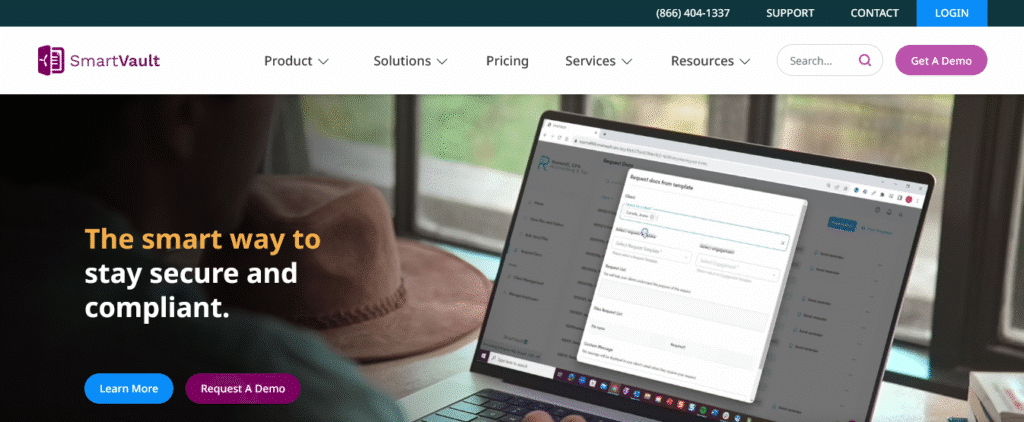
SmartVault combines document storage, secure client portals, and electronic signatures, making it a strong fit for tax-focused firms.
- Pricing: Starts at $50 per user/month.
- Benefits:
- Branded client portal to collect client documents and return signed files.
- Built-in data encryption and audit trail for compliance.
- Distinct Features:
-
- Integrates directly with QuickBooks and Xero.
- IRS and FTC compliance support.
2. Karbon
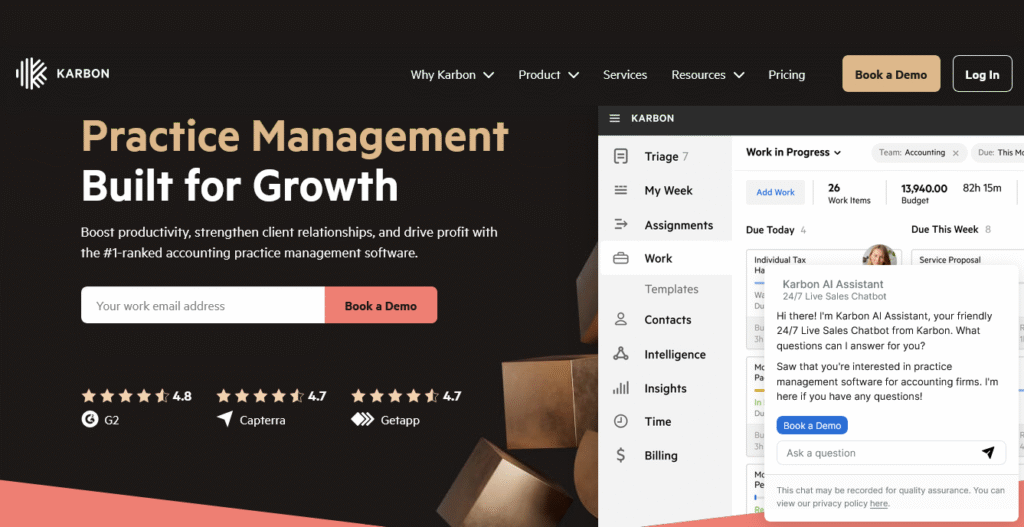
Karbon combines workflow management with document management software, helping firms manage client communication and deadlines in one system.
- Pricing: From $59 per user/month.
- Benefits:
- Automates client requests and recurring tasks.
- Keeps up to date information across all client files.
- Improves collaboration within teams.
- Distinct Features:
-
- Email integration for direct client communication.
- Workflow templates built for accounting firms.
- Unified dashboard showing document progress.
3. FYI
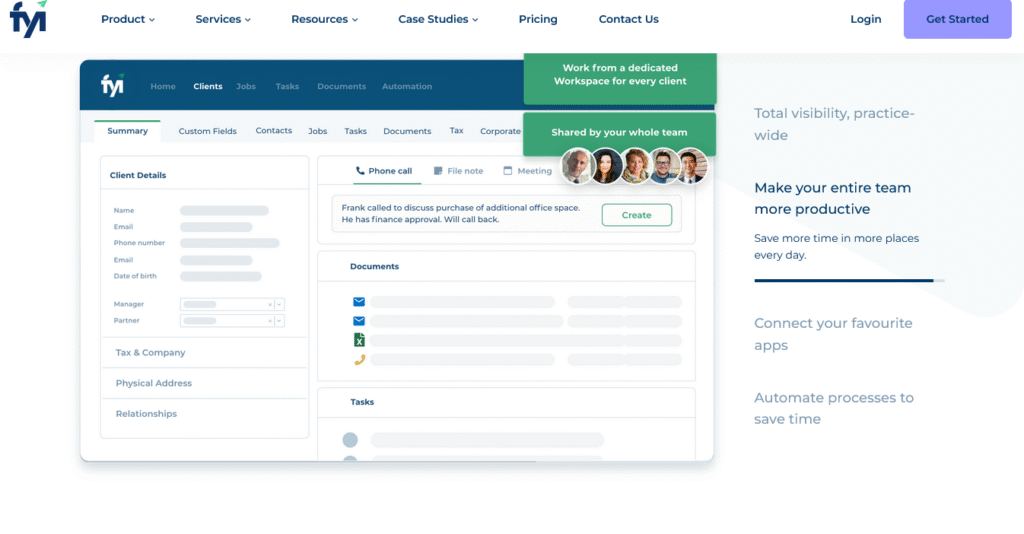
FYI emphasizes automation and efficiency, reducing manual data entry and routine filing for accountants.
- Pricing: Around $30 per user/month.
- Benefits:
- Automated filing and folder setup.
- Built-in version control and history tracking.
- Distinct Features:
- Deep Microsoft 365 integration.
- Pre-configured workflows tailored to accounting firms.
4. Canopy
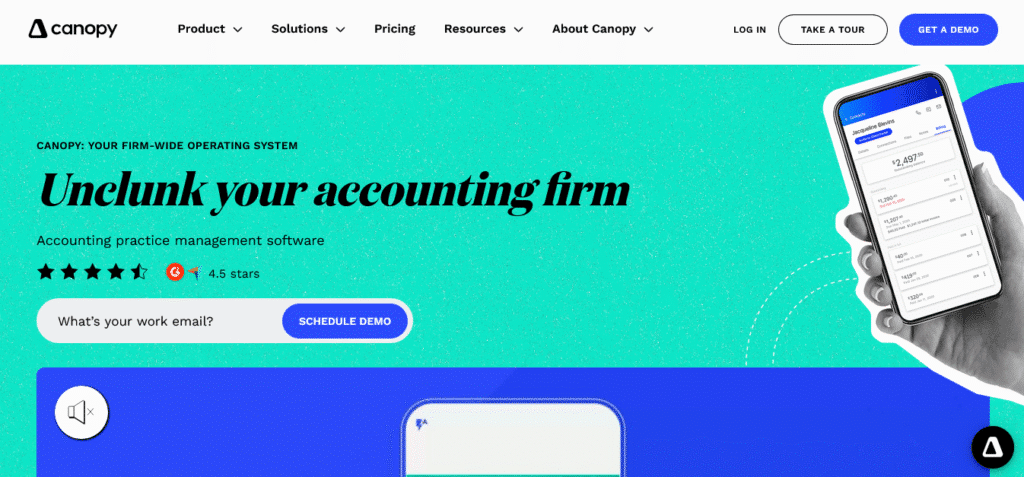
Canopy is an all-in-one accounting practice platform that includes document management, CRM, billing, and workflow tools.
- Pricing: Document Management starts at $36 per user/month.
- Benefits:
- Unlimited cloud storage for tax returns and client files.
- Collects signed documents with e-signature.
- Creates a smooth collaborative client experience.
- Distinct Features:
- Mobile app for both clients and firm users.
- Task tracking integrated with document workflows.
Related: Accounts Receivable Automation, Will AI Replace Accountants
5. Wolters Kluwer (CCH Axcess Document)
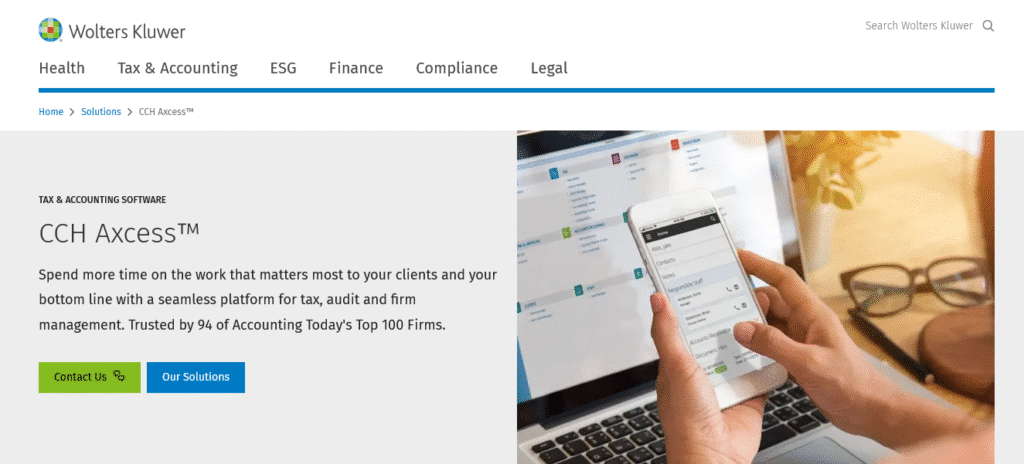
CCH Axcess is designed for large firms with strict compliance requirements and multiple offices.
- Pricing: Custom pricing, usually $60–$100 per user/month.
- Benefits:
- Centralized document storage across distributed teams.
- Strong compliance and security protections.
- Distinct Features:
- HIPAA, GDPR, and IRS compliance safeguards.
- Granular permissions to restrict access to specific files.
- Robust data migration support.
- Scales easily for large enterprises.
6. Financial Cents
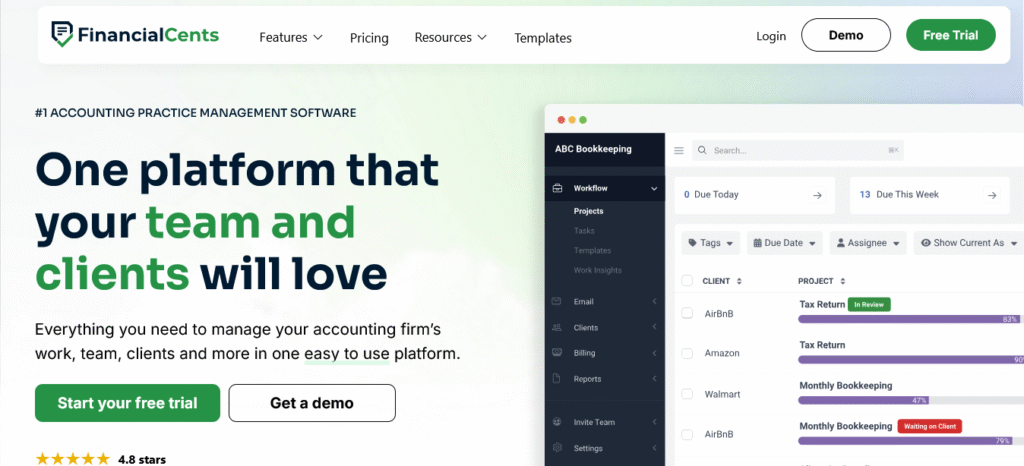
Financial Cents is simple, affordable, and designed for small firms that want effective document management solutions without heavy complexity.
- Pricing: Starts at $49 per user/month.
- Benefits:
- Simplifies client requests and follow-ups.
- Organizes files using folder templates.
- Distinct Features:
- User-friendly interface requiring little training.
- Affordable choice for small practices.
7. DocuWare
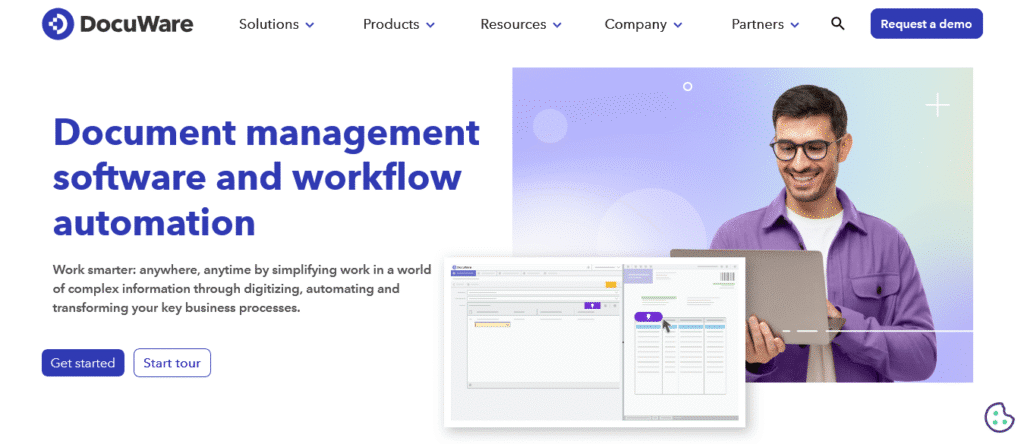
DocuWare is a versatile DMS offering enterprise-level security and automation, popular among firms scaling their operations.
- Pricing: From $25 per user/month.
- Benefits:
- Automates capture and indexing of client documents.
- Provides electronic signatures with global compliance.
- Supports secure document sharing across offices.
- Distinct Features:
- AI-powered indexing for easy retrieval.
- Flexible deployment: cloud or on-premises.
- Multi-language support for global firms.
Comparison Table: Best Document Management Software for Accountants (2026)
| Software | Starting Price | Key Features | Best For | Compliance Support |
| SmartVault | $50/user/mo | Client portal, QuickBooks integration, e-signatures | Mid-size firms | IRS & FTC ready |
| Karbon | $59/user/mo | Workflow + DMS, automation, email integration | Larger firms | Yes |
| FYI | $30/user/mo | Automated filing, Microsoft 365 integration | Efficiency-focused firms | Yes |
| Canopy | $36/user/mo | DMS + CRM + billing, unlimited storage | All-in-one solution | Yes |
| Wolters Kluwer | $60–100/user/mo | Enterprise DMS, granular permissions, data migration | Large firms | HIPAA, GDPR, IRS |
| Financial Cents | $49/user/mo | Simple DMS, folder templates, easy client requests | Small firms | Basic compliance |
| DocuWare | $25/user/mo | AI indexing, enterprise workflows, multilingual | Firms of any size | Global compliance |
How to Choose the Right Document Management Software for Your Firm
Not every accounting document management software will fit every practice. The right choice depends on your firm’s size, workflow, and compliance needs. Here’s how to narrow it down.
Small Firms and Solo CPAs
If you’re running a small accounting practice, prioritize ease of use and affordability. Tools like Financial Cents and SmartVault provide simple portals to collect client documents, store tax returns, and share signed documents without a steep learning curve. Look for clear pricing and features like folder templates that save valuable time.
Mid-Size Firms
Growing firms need scalability. Options like Canopy or Karbon go beyond basic document storage, adding workflow automation, client portals, and integrations with tools like QuickBooks. These platforms help teams stay on the same page and keep up to date information across all client files.
Large Firms and Enterprises
If your firm handles high volumes of sensitive documents, compliance is critical. Wolters Kluwer CCH Axcess and DocuWare offer enterprise-grade security with data encryption, audit trails, granular permissions, and version control. These features are essential for firms that need to restrict access and meet HIPAA, IRS, or GDPR requirements.
Budget Considerations
Costs vary from $30 per user/month for basic tools like FYI, up to $100 per user/month for enterprise platforms. Balance your must-have features (like secure client portals, electronic signatures, and unlimited cloud storage) against your firm’s budget.
Integration with Tech Stack
The best system should work seamlessly with your existing accounting software. Check whether the DMS integrates with your tax software, CRM, or billing tools. Smooth integration reduces manual data entry, avoids duplicate work, and makes it easier to manage documents across platforms.
Related: Appointment Scheduling Software, AML Software for Accountants
Frequently Asked Questions
What is the best software for document management?
For accountants, top options include SmartVault and Canopy for small to mid-size firms, and Wolters Kluwer or DocuWare for large practices needing strict compliance.
What software do most accountants use?
Most accountants use QuickBooks or Xero for accounting and pair them with SmartVault, Karbon, or Canopy for document management.
Does QuickBooks have document management?
QuickBooks offers basic document storage, but it lacks secure client portals, version control, and audit trails. Firms often add tools like SmartVault for full document management.
Conclusion
The right document management software for accountants does more than store files. It protects sensitive documents, speeds up retrieval, and strengthens client collaboration through secure portals and e-signatures. Small firms benefit from simple tools like SmartVault or Financial Cents, while larger firms need compliance-focused platforms like Wolters Kluwer or DocuWare.
Choosing the best document management software depends on firm size, budget, and integrations with your existing tech stack. What matters most is having a system that keeps client files organized, secure, and accessible, so your team spends less time managing documents and more time serving clients.